1.3" SPI Colour Square LCD (240x240) Breakout

Crisp, high-res, with great viewing angles (IPS), this 1.3" square, 240x240 pixel, colour LCD will add some pizzazz to your Raspberry Pi or Arduino projects.
The square form-factor of this display makes it great for cramming lots of information on—data, graphs, even things like album art and photos. Like our smaller 0.9" LCD breakout, this one is an IPS display, so it has great viewing angles and it's super-crisp and bright.
It's driven by SPI and you should be able to run it at up to ~50FPS, although we've found that anywhere from 10FPS looks good for most uses.
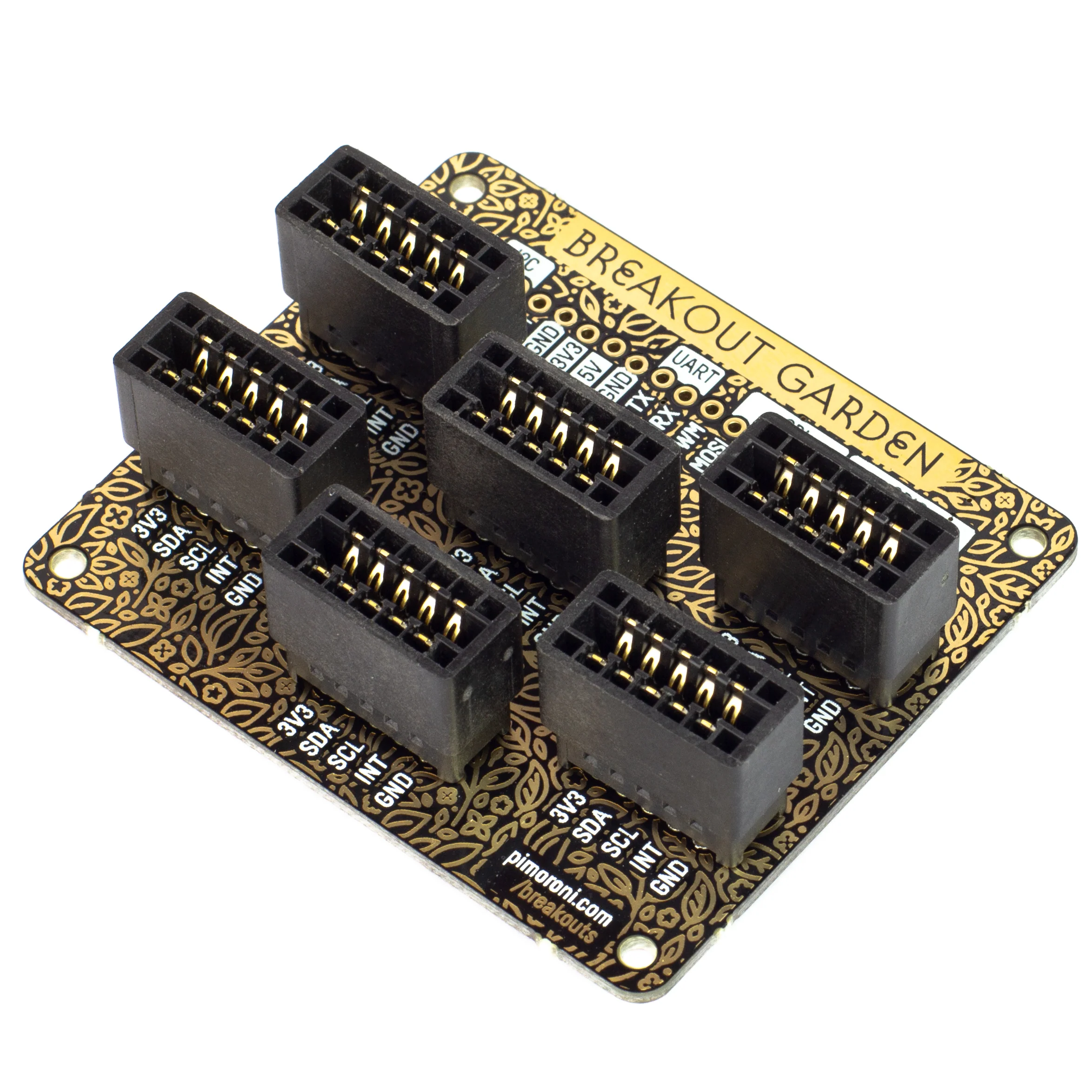
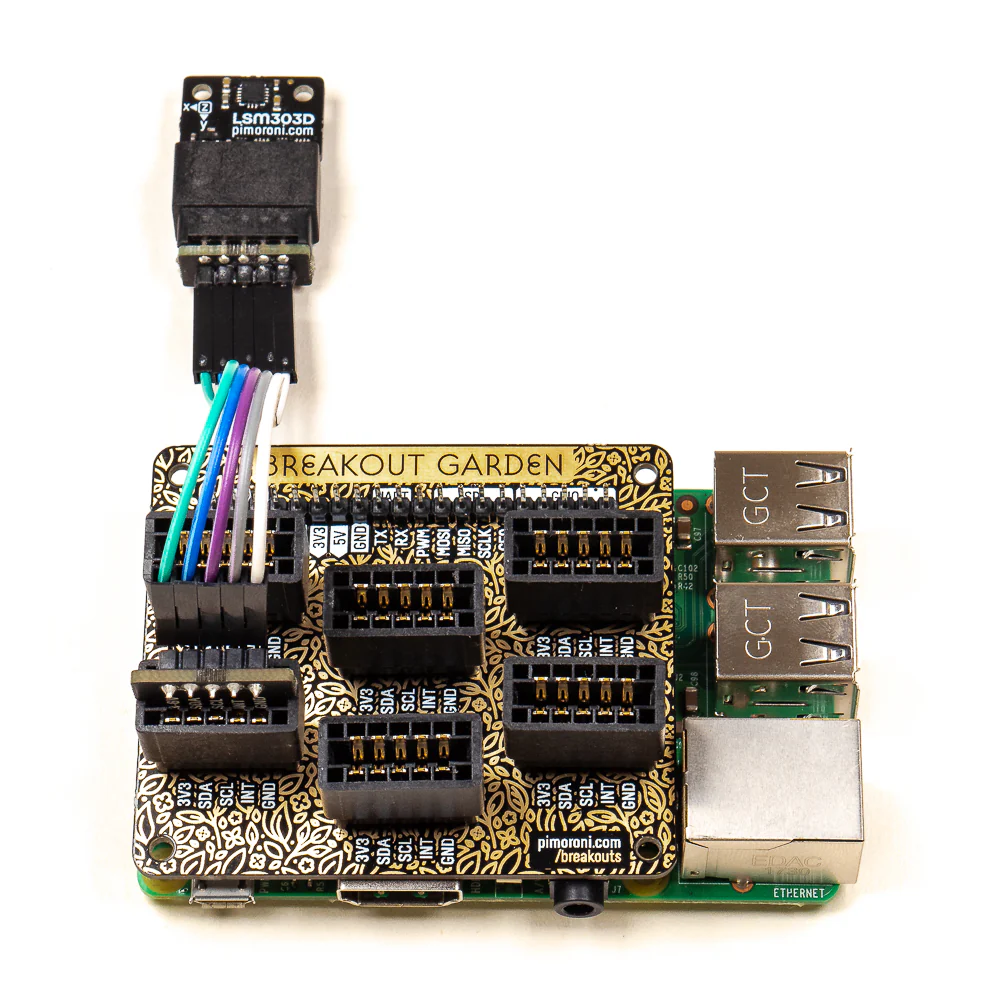
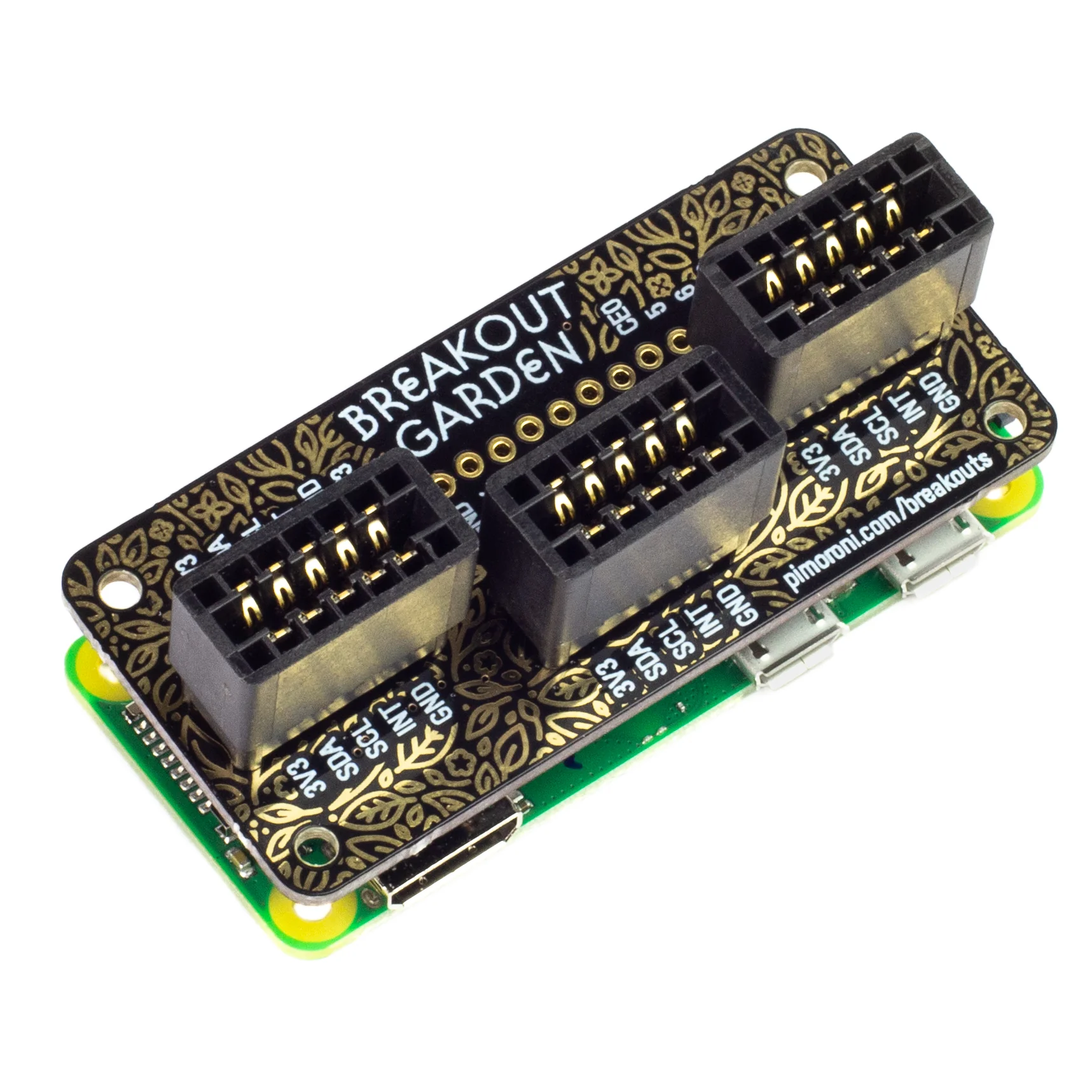
You can use this breakout completely solder-free with our Breakout Garden HAT with SPI!
Features
- 1.3" colour LCD (240x240 pixels)
- SPI interface
- 3.3V or 5V compatible
- Reverse polarity protection
- Compatible with Arduino
- Compatible with all models of Raspberry Pi (Python library)
- Compatible with Raspberry Pi Pico (C++/MicroPython libraries)
Display specifications
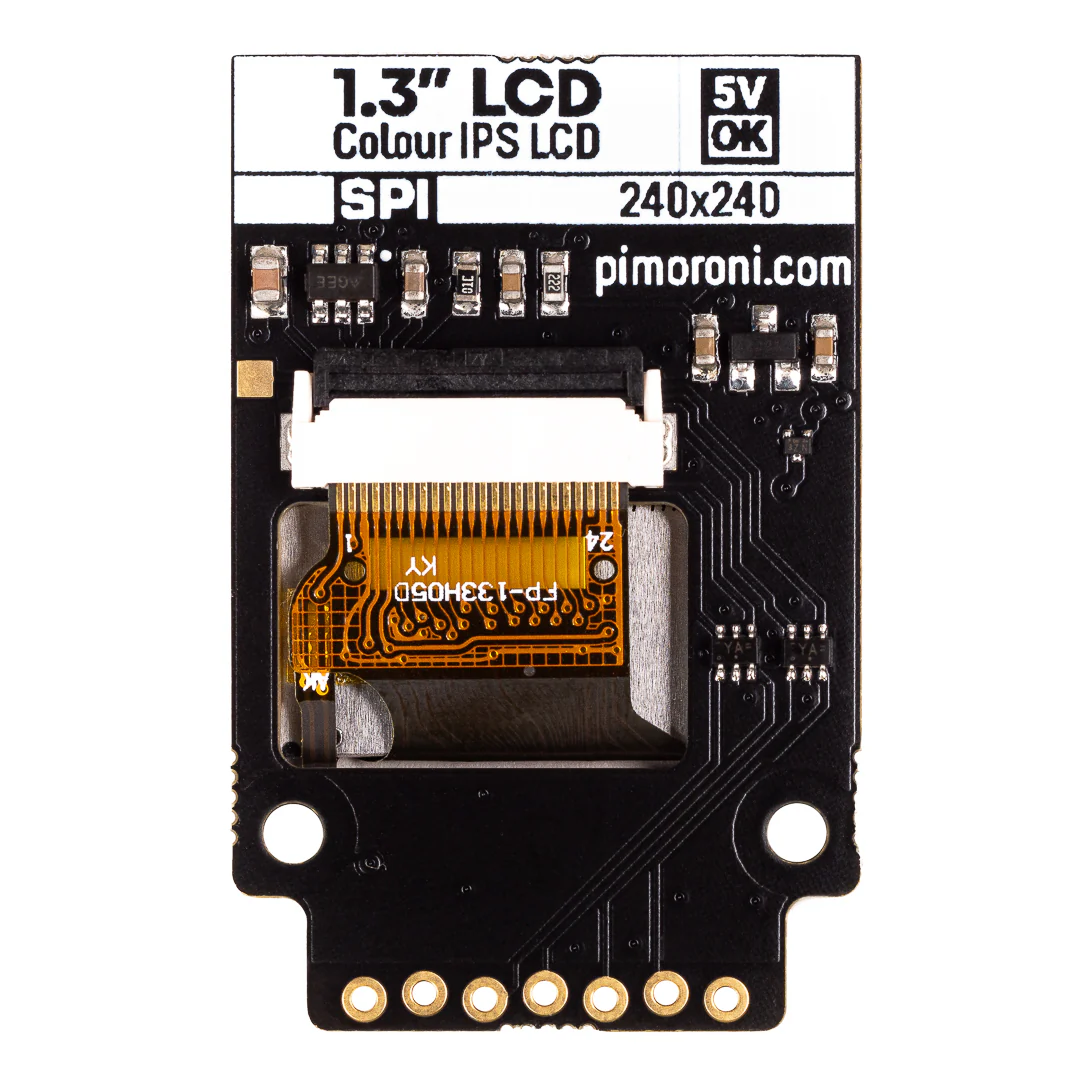
- 240x240 pixels (~260 PPI)
- 23.4x23.4mm active area
- 250m2 luminance
- 800:1 contrast ratio
- 160° viewing angle (horizontal and vertical)
- ST7789V driver chip
Software
We've adapted an existing Python library to drive this display. The library makes it straightforward to display images, text or graphics, and even display animated GIFs!
You can also use this breakout with Raspberry Pi Pico and other RP2040 boards, using C++ or Pirate brand MicroPython.
Connecting to a Raspberry Pi
If you're not using our Breakout Garden HAT with SPI, then this is how to connect your LCD Breakout up to your Raspberry Pi.
Our Python library is set up to use SPI 0 by default on the Pi (BCM 7 for CS, BCM 11 for SCK, and BCM 10 for MOSI), BCM 9 for DC, and BCM 19 for the backlight.
Here's which pins to connect between your 0.96" LCD Breakout and your Pi's GPIO (note that it's BCM pin numbering):
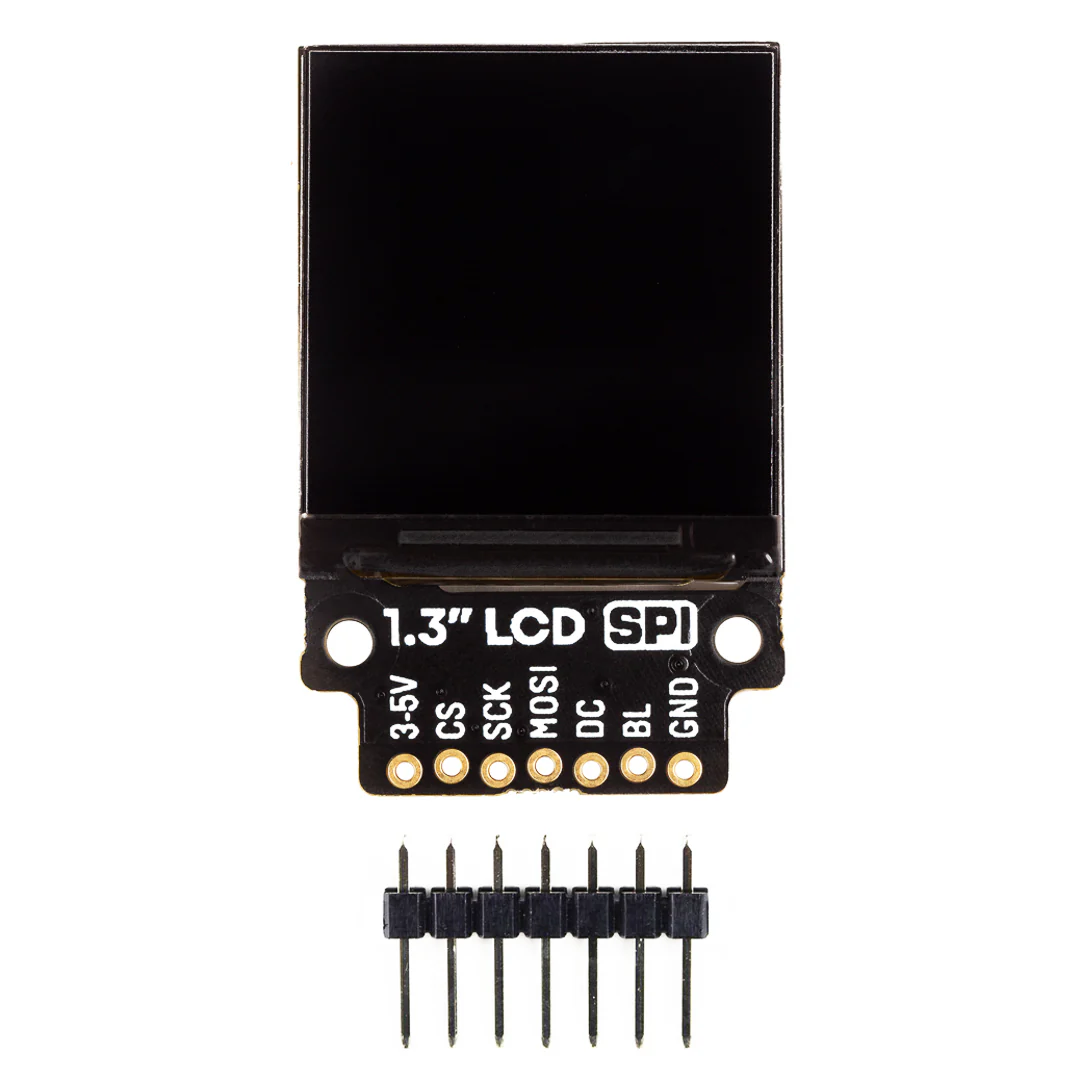
- 3-5V to any 5V or 3V pin
- CS to BCM 7
- SCK to BCM 11
- MOSI to BCM 10
- DC to BCM 9
- BL to BCM 19
- GND to any ground pin
You can of course use other pins with your LCD Breakout, but you'll have to change them accordingly when you instantiate the display in your code.
Connecting to a Raspberry Pi Pico
The easiest way to use our SPI breakouts with a Raspberry Pi Pico is by plugging them into a Pico Breakout Garden Base or a Pico Breakout Garden Pack.
If you'd rather wire them up to a Pico directly, here's how it goes!
- 3-5V to any 5V or 3V pin
- CS to GP17
- SCK to GP18
- MOSI to GP19
- DC to GP16
- BL to GP20
- GND to any ground pin
Notes
- Dimensions: 41.2x26.6x5.5mm (approx)
- Drawing
More Images
1.3" SPI Colour Square LCD (240x240) Breakout
Crisp, high-res, with great viewing angles (IPS), this 1.3" square, 240x240 pixel, colour LCD will add some pizzazz to your Raspberry Pi or Arduino projects.
The square form-factor of this display makes it great for cramming lots of information on—data, graphs, even things like album art and photos. Like our smaller 0.9" LCD breakout, this one is an IPS display, so it has great viewing angles and it's super-crisp and bright.
It's driven by SPI and you should be able to run it at up to ~50FPS, although we've found that anywhere from 10FPS looks good for most uses.
You can use this breakout completely solder-free with our Breakout Garden HAT with SPI!
Features
- 1.3" colour LCD (240x240 pixels)
- SPI interface
- 3.3V or 5V compatible
- Reverse polarity protection
- Compatible with Arduino
- Compatible with all models of Raspberry Pi (Python library)
- Compatible with Raspberry Pi Pico (C++/MicroPython libraries)
Display specifications
- 240x240 pixels (~260 PPI)
- 23.4x23.4mm active area
- 250m2 luminance
- 800:1 contrast ratio
- 160° viewing angle (horizontal and vertical)
- ST7789V driver chip
Software
We've adapted an existing Python library to drive this display. The library makes it straightforward to display images, text or graphics, and even display animated GIFs!
You can also use this breakout with Raspberry Pi Pico and other RP2040 boards, using C++ or Pirate brand MicroPython.
Connecting to a Raspberry Pi
If you're not using our Breakout Garden HAT with SPI, then this is how to connect your LCD Breakout up to your Raspberry Pi.
Our Python library is set up to use SPI 0 by default on the Pi (BCM 7 for CS, BCM 11 for SCK, and BCM 10 for MOSI), BCM 9 for DC, and BCM 19 for the backlight.
Here's which pins to connect between your 0.96" LCD Breakout and your Pi's GPIO (note that it's BCM pin numbering):
- 3-5V to any 5V or 3V pin
- CS to BCM 7
- SCK to BCM 11
- MOSI to BCM 10
- DC to BCM 9
- BL to BCM 19
- GND to any ground pin
You can of course use other pins with your LCD Breakout, but you'll have to change them accordingly when you instantiate the display in your code.
Connecting to a Raspberry Pi Pico
The easiest way to use our SPI breakouts with a Raspberry Pi Pico is by plugging them into a Pico Breakout Garden Base or a Pico Breakout Garden Pack.
If you'd rather wire them up to a Pico directly, here's how it goes!
- 3-5V to any 5V or 3V pin
- CS to GP17
- SCK to GP18
- MOSI to GP19
- DC to GP16
- BL to GP20
- GND to any ground pin
Notes
- Dimensions: 41.2x26.6x5.5mm (approx)
- Drawing
Product Information
Product Information
Shipping & Returns
Shipping & Returns
Description
Crisp, high-res, with great viewing angles (IPS), this 1.3" square, 240x240 pixel, colour LCD will add some pizzazz to your Raspberry Pi or Arduino projects.
The square form-factor of this display makes it great for cramming lots of information on—data, graphs, even things like album art and photos. Like our smaller 0.9" LCD breakout, this one is an IPS display, so it has great viewing angles and it's super-crisp and bright.
It's driven by SPI and you should be able to run it at up to ~50FPS, although we've found that anywhere from 10FPS looks good for most uses.
You can use this breakout completely solder-free with our Breakout Garden HAT with SPI!
Features
- 1.3" colour LCD (240x240 pixels)
- SPI interface
- 3.3V or 5V compatible
- Reverse polarity protection
- Compatible with Arduino
- Compatible with all models of Raspberry Pi (Python library)
- Compatible with Raspberry Pi Pico (C++/MicroPython libraries)
Display specifications
- 240x240 pixels (~260 PPI)
- 23.4x23.4mm active area
- 250m2 luminance
- 800:1 contrast ratio
- 160° viewing angle (horizontal and vertical)
- ST7789V driver chip
Software
We've adapted an existing Python library to drive this display. The library makes it straightforward to display images, text or graphics, and even display animated GIFs!
You can also use this breakout with Raspberry Pi Pico and other RP2040 boards, using C++ or Pirate brand MicroPython.
Connecting to a Raspberry Pi
If you're not using our Breakout Garden HAT with SPI, then this is how to connect your LCD Breakout up to your Raspberry Pi.
Our Python library is set up to use SPI 0 by default on the Pi (BCM 7 for CS, BCM 11 for SCK, and BCM 10 for MOSI), BCM 9 for DC, and BCM 19 for the backlight.
Here's which pins to connect between your 0.96" LCD Breakout and your Pi's GPIO (note that it's BCM pin numbering):
- 3-5V to any 5V or 3V pin
- CS to BCM 7
- SCK to BCM 11
- MOSI to BCM 10
- DC to BCM 9
- BL to BCM 19
- GND to any ground pin
You can of course use other pins with your LCD Breakout, but you'll have to change them accordingly when you instantiate the display in your code.
Connecting to a Raspberry Pi Pico
The easiest way to use our SPI breakouts with a Raspberry Pi Pico is by plugging them into a Pico Breakout Garden Base or a Pico Breakout Garden Pack.
If you'd rather wire them up to a Pico directly, here's how it goes!
- 3-5V to any 5V or 3V pin
- CS to GP17
- SCK to GP18
- MOSI to GP19
- DC to GP16
- BL to GP20
- GND to any ground pin
Notes
- Dimensions: 41.2x26.6x5.5mm (approx)
- Drawing