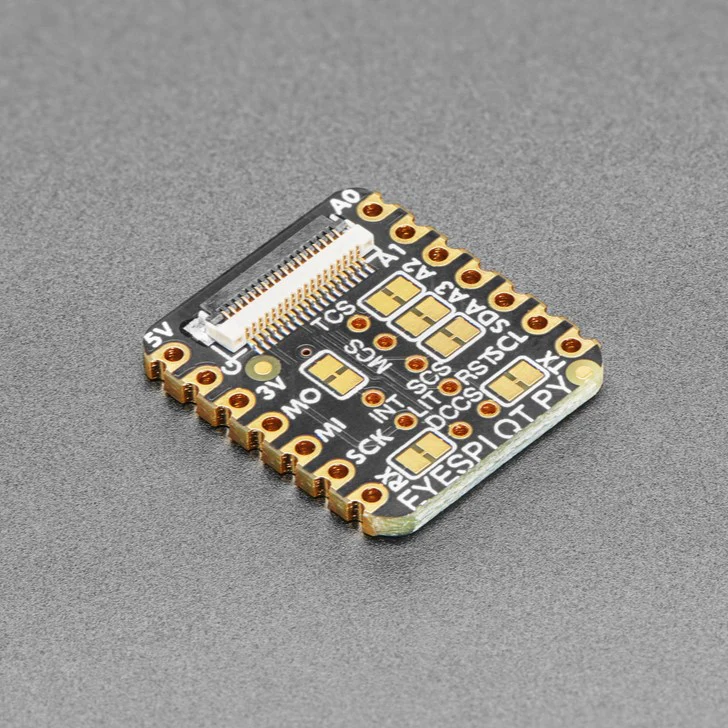
Adafruit EYESPI BFF for QT Py or Xiao - 18 Pin FPC Connector
QT Py/Xiao boards are a great way to make very small microcontroller projects that pack a ton of power - and now Adafruit have a way for you to add a small, colorful, and bright display to any project.
Adafruit's most recent display breakouts have come with a new feature: an 18-pin "EYE SPI" standard FPC connector with flip-top connector. This is intended to be a sort-of "STEMMA QT for displays" - a way to quickly connect and extend display wiring that uses a lot of SPI pins. In this case we need a lot of SPI pins, and we want to be able to use long distances, so we go with an 18-pin 0.5mm pitch FPC.
With such a slim and flexible cable, its a perfect match for QT Py boards to make extra smol microcontroller boards with big bold colorful displays.
Don't forget you'll also want an 18-pin EYESPI FPC cable. And of course an EYESPI display too - look for the EYESPI logo on the back to know you've got one that can clip in.
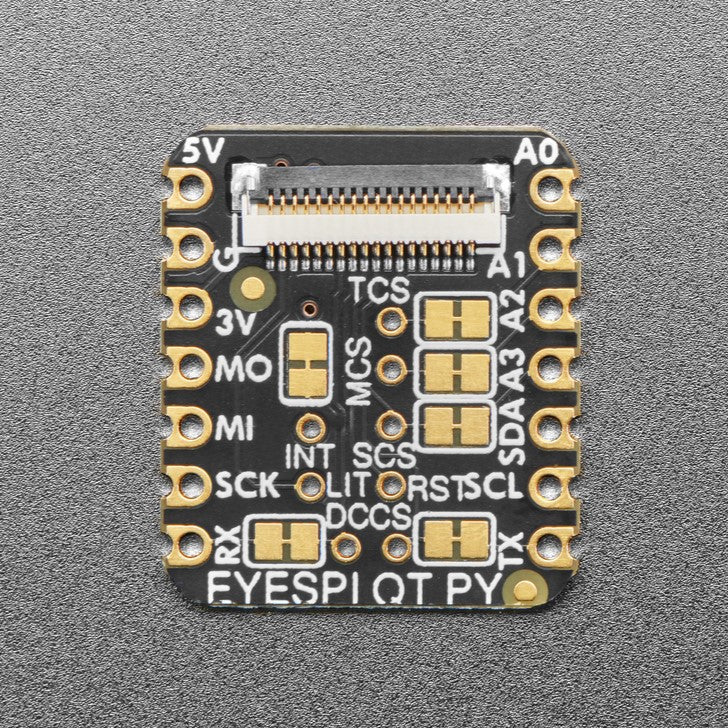
- MOSI/MISO/SCK SPI pins are connected to the default SPI port on the QT Py
- SDA/SCL I2C pins are connected to the I2C port on the QT Py headers - some boards have a separate QT Py I2C port so keep in mind they may be separate busses.
- TFT CS on TX pin - but can be re-configured/disabled by cutting a solder jumper.
- TFT DC on RX pin - but can be re-configured/disabled by cutting a solder jumper.
There are also 'sometimes used' pins that can be re-configured/disabled by cutting a solder jumper:
- IRQ on A0 pin - Many of our displays don't use the IRQ pin unless there's a touchscreen.
- Touch CS on A1 pin - Many of our displays don't have a touchscreen.
- Memory CS on A2 pin - Only our E-Ink displays have a separate memory SRAM chip, which you may be able to skip using on most QT Py's.
- SD Card CS on A3 pin - Or use for whatever you like if you aren't using the SD Card socket on of our display breakouts.
There's also two through-hole solder pads for extra pins that are often considered optional and we didn't have any more IO to spare. If you aren't using any of the 4 pins above or the I2C port, you could wire these two pins with jumper wires as you desire.
- Backlight control - this is default on for most of our displays, or unused on E-Ink,
- Display reset - this is default on for most of our displays. Sometimes its used for low-power on E-Ink.
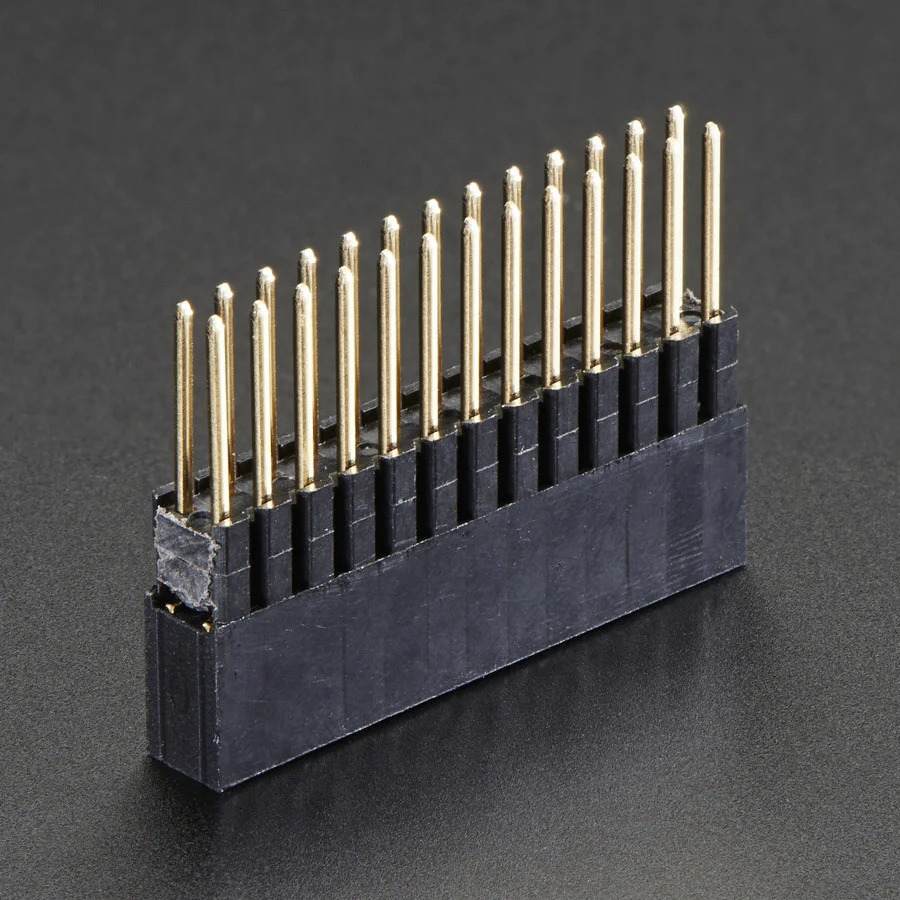
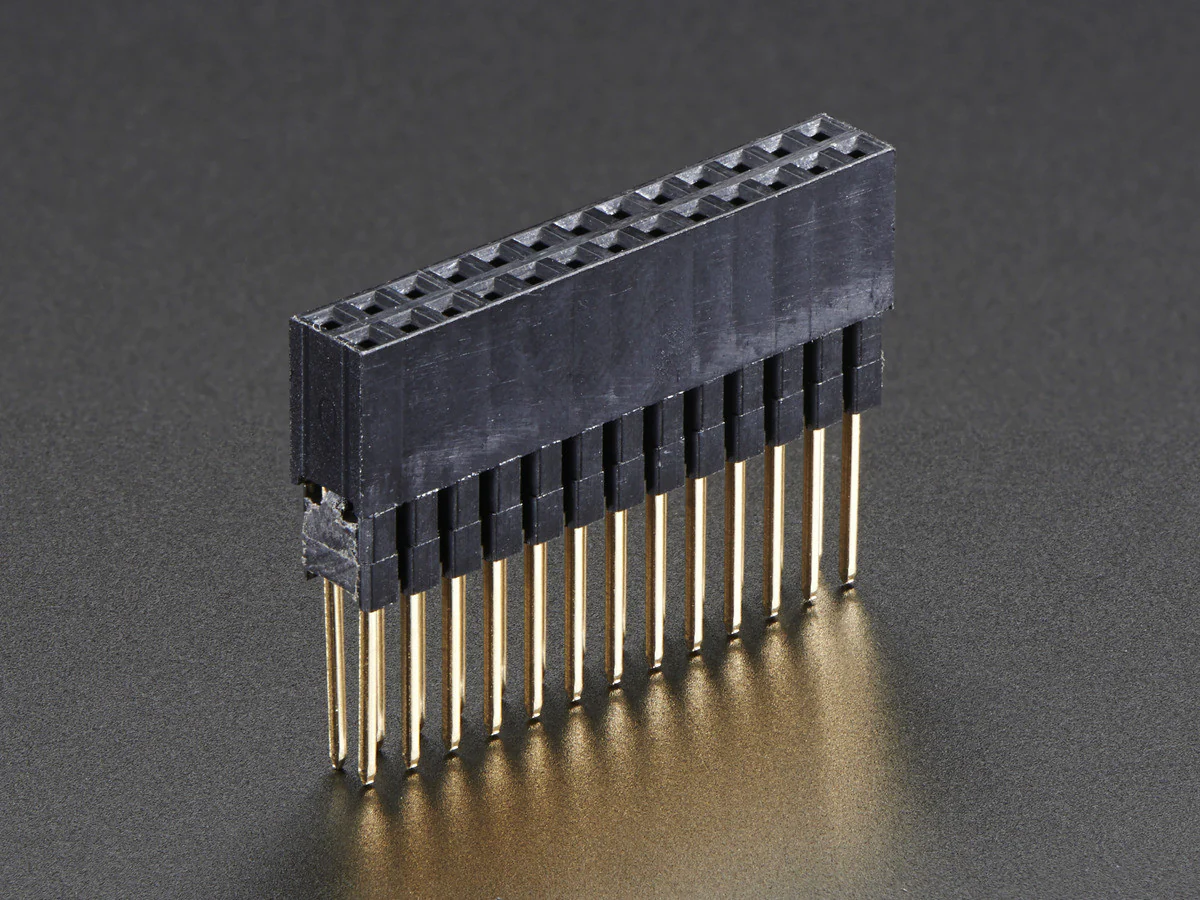
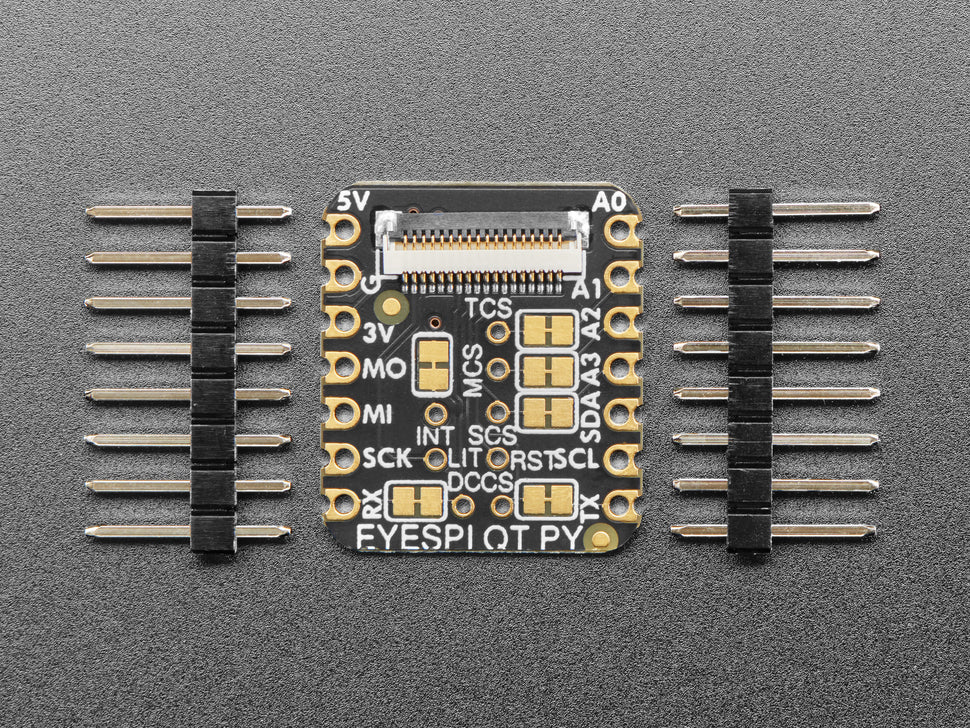
Adafruit include some header that you can solder to your QT Py. You can also pick up an Itsy Bitsy short female header kit to make it removable but compact, you'll just need to trim down the headers to 7 pins long.
- Comes as an assembled and tested PCB
- For any QT Py or Xiao boards
QT Py, display and EYESPI cable are not included.
Technical Details
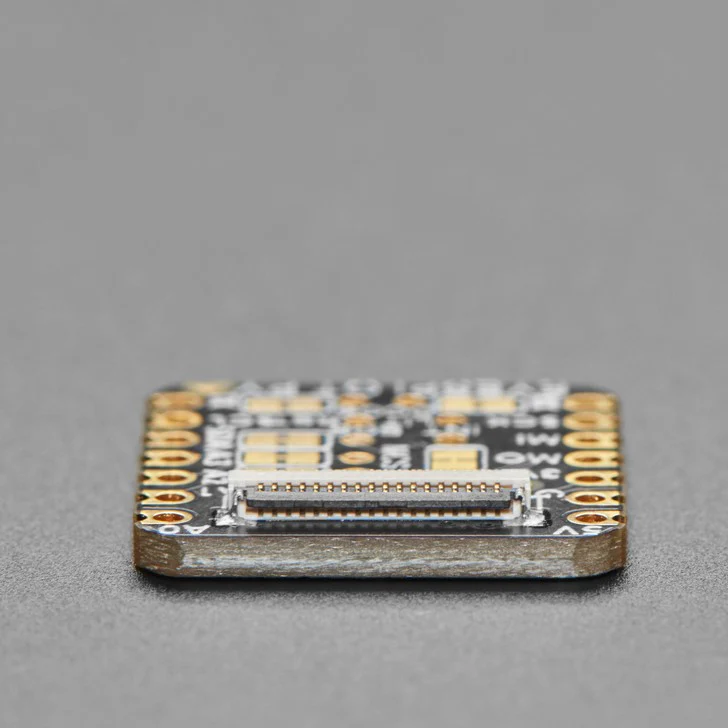
Product Dimensions: 20.6mm x 17.8mm x 2.7mm / 0.8" x 0.7" x 0.1"
Product Weight: 1.1g / 0.0oz


Learn
- Primary Guide: Adafruit EYESPI BFF
More Images
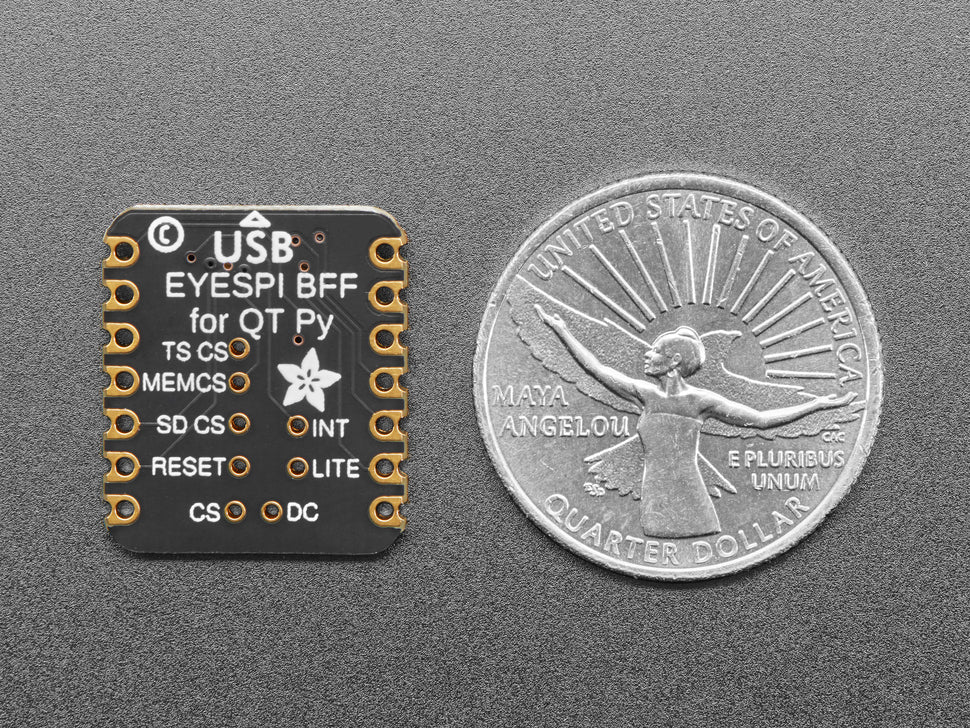
Adafruit EYESPI BFF for QT Py or Xiao - 18 Pin FPC Connector
QT Py/Xiao boards are a great way to make very small microcontroller projects that pack a ton of power - and now Adafruit have a way for you to add a small, colorful, and bright display to any project.
Adafruit's most recent display breakouts have come with a new feature: an 18-pin "EYE SPI" standard FPC connector with flip-top connector. This is intended to be a sort-of "STEMMA QT for displays" - a way to quickly connect and extend display wiring that uses a lot of SPI pins. In this case we need a lot of SPI pins, and we want to be able to use long distances, so we go with an 18-pin 0.5mm pitch FPC.
With such a slim and flexible cable, its a perfect match for QT Py boards to make extra smol microcontroller boards with big bold colorful displays.
Don't forget you'll also want an 18-pin EYESPI FPC cable. And of course an EYESPI display too - look for the EYESPI logo on the back to know you've got one that can clip in.
- MOSI/MISO/SCK SPI pins are connected to the default SPI port on the QT Py
- SDA/SCL I2C pins are connected to the I2C port on the QT Py headers - some boards have a separate QT Py I2C port so keep in mind they may be separate busses.
- TFT CS on TX pin - but can be re-configured/disabled by cutting a solder jumper.
- TFT DC on RX pin - but can be re-configured/disabled by cutting a solder jumper.
There are also 'sometimes used' pins that can be re-configured/disabled by cutting a solder jumper:
- IRQ on A0 pin - Many of our displays don't use the IRQ pin unless there's a touchscreen.
- Touch CS on A1 pin - Many of our displays don't have a touchscreen.
- Memory CS on A2 pin - Only our E-Ink displays have a separate memory SRAM chip, which you may be able to skip using on most QT Py's.
- SD Card CS on A3 pin - Or use for whatever you like if you aren't using the SD Card socket on of our display breakouts.
There's also two through-hole solder pads for extra pins that are often considered optional and we didn't have any more IO to spare. If you aren't using any of the 4 pins above or the I2C port, you could wire these two pins with jumper wires as you desire.
- Backlight control - this is default on for most of our displays, or unused on E-Ink,
- Display reset - this is default on for most of our displays. Sometimes its used for low-power on E-Ink.
Adafruit include some header that you can solder to your QT Py. You can also pick up an Itsy Bitsy short female header kit to make it removable but compact, you'll just need to trim down the headers to 7 pins long.
- Comes as an assembled and tested PCB
- For any QT Py or Xiao boards
QT Py, display and EYESPI cable are not included.
Technical Details
Product Dimensions: 20.6mm x 17.8mm x 2.7mm / 0.8" x 0.7" x 0.1"
Product Weight: 1.1g / 0.0oz
Learn
- Primary Guide: Adafruit EYESPI BFF
Product Information
Product Information
Shipping & Returns
Shipping & Returns
Description
QT Py/Xiao boards are a great way to make very small microcontroller projects that pack a ton of power - and now Adafruit have a way for you to add a small, colorful, and bright display to any project.
Adafruit's most recent display breakouts have come with a new feature: an 18-pin "EYE SPI" standard FPC connector with flip-top connector. This is intended to be a sort-of "STEMMA QT for displays" - a way to quickly connect and extend display wiring that uses a lot of SPI pins. In this case we need a lot of SPI pins, and we want to be able to use long distances, so we go with an 18-pin 0.5mm pitch FPC.
With such a slim and flexible cable, its a perfect match for QT Py boards to make extra smol microcontroller boards with big bold colorful displays.
Don't forget you'll also want an 18-pin EYESPI FPC cable. And of course an EYESPI display too - look for the EYESPI logo on the back to know you've got one that can clip in.
- MOSI/MISO/SCK SPI pins are connected to the default SPI port on the QT Py
- SDA/SCL I2C pins are connected to the I2C port on the QT Py headers - some boards have a separate QT Py I2C port so keep in mind they may be separate busses.
- TFT CS on TX pin - but can be re-configured/disabled by cutting a solder jumper.
- TFT DC on RX pin - but can be re-configured/disabled by cutting a solder jumper.
There are also 'sometimes used' pins that can be re-configured/disabled by cutting a solder jumper:
- IRQ on A0 pin - Many of our displays don't use the IRQ pin unless there's a touchscreen.
- Touch CS on A1 pin - Many of our displays don't have a touchscreen.
- Memory CS on A2 pin - Only our E-Ink displays have a separate memory SRAM chip, which you may be able to skip using on most QT Py's.
- SD Card CS on A3 pin - Or use for whatever you like if you aren't using the SD Card socket on of our display breakouts.
There's also two through-hole solder pads for extra pins that are often considered optional and we didn't have any more IO to spare. If you aren't using any of the 4 pins above or the I2C port, you could wire these two pins with jumper wires as you desire.
- Backlight control - this is default on for most of our displays, or unused on E-Ink,
- Display reset - this is default on for most of our displays. Sometimes its used for low-power on E-Ink.
Adafruit include some header that you can solder to your QT Py. You can also pick up an Itsy Bitsy short female header kit to make it removable but compact, you'll just need to trim down the headers to 7 pins long.
- Comes as an assembled and tested PCB
- For any QT Py or Xiao boards
QT Py, display and EYESPI cable are not included.
Technical Details
Product Dimensions: 20.6mm x 17.8mm x 2.7mm / 0.8" x 0.7" x 0.1"
Product Weight: 1.1g / 0.0oz
Learn
- Primary Guide: Adafruit EYESPI BFF