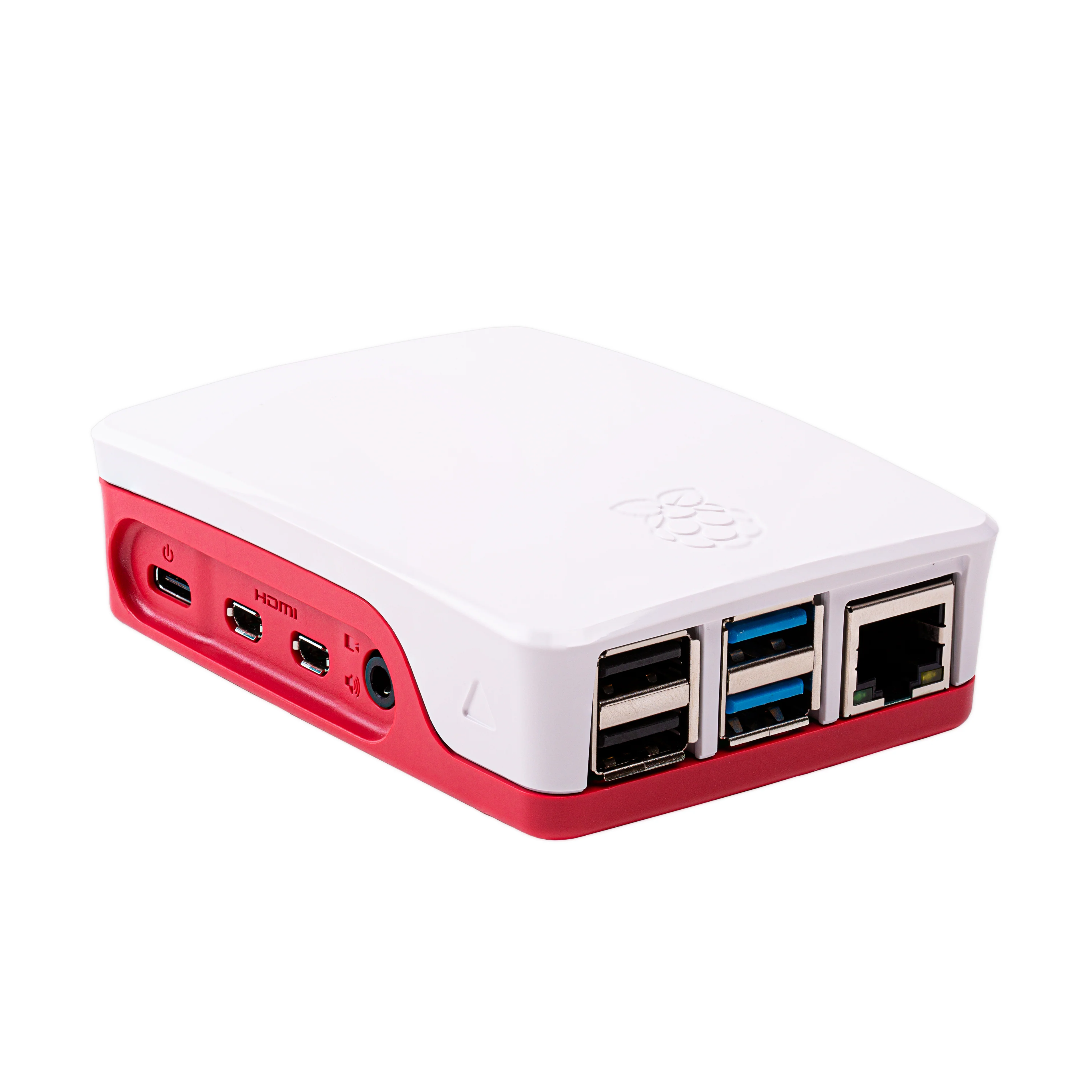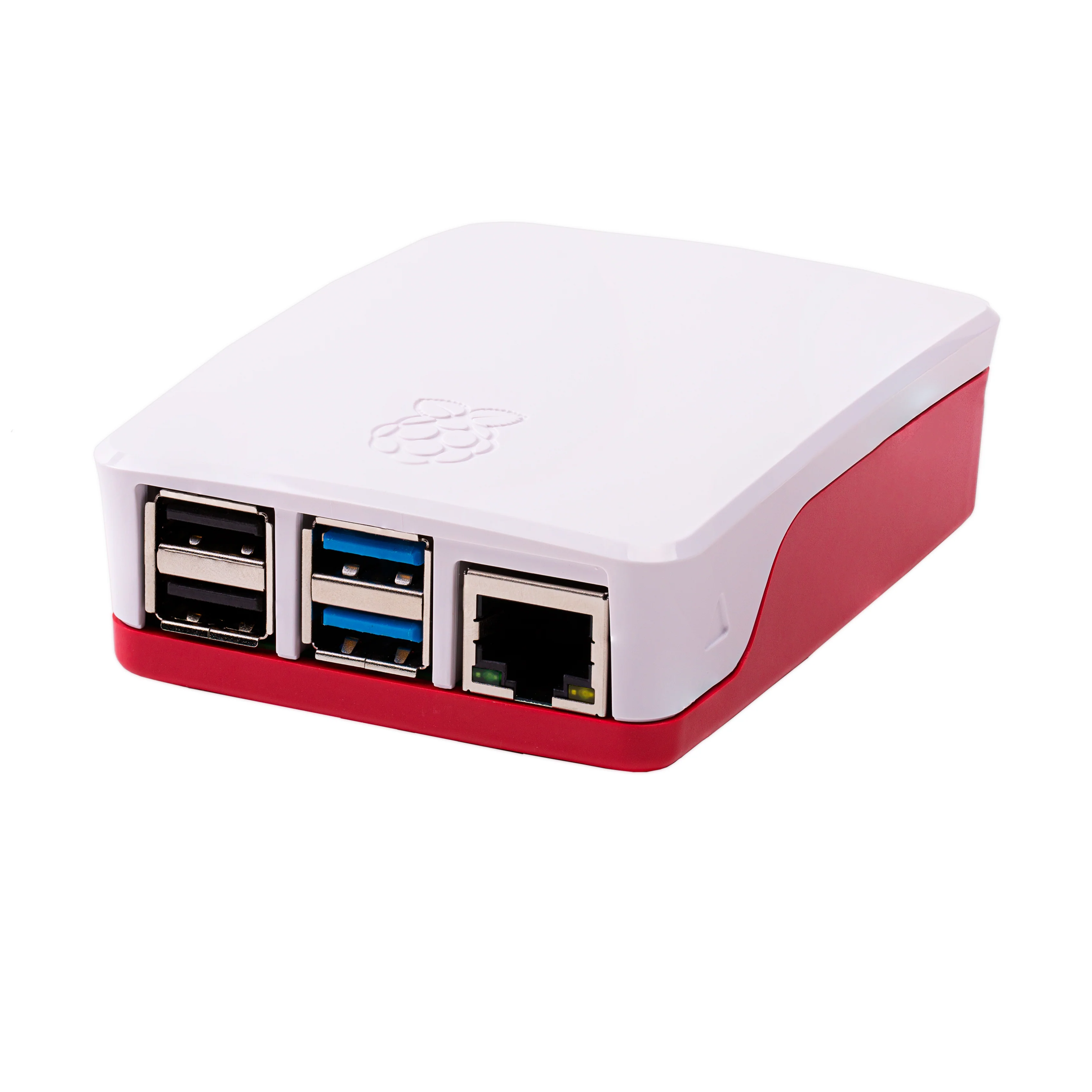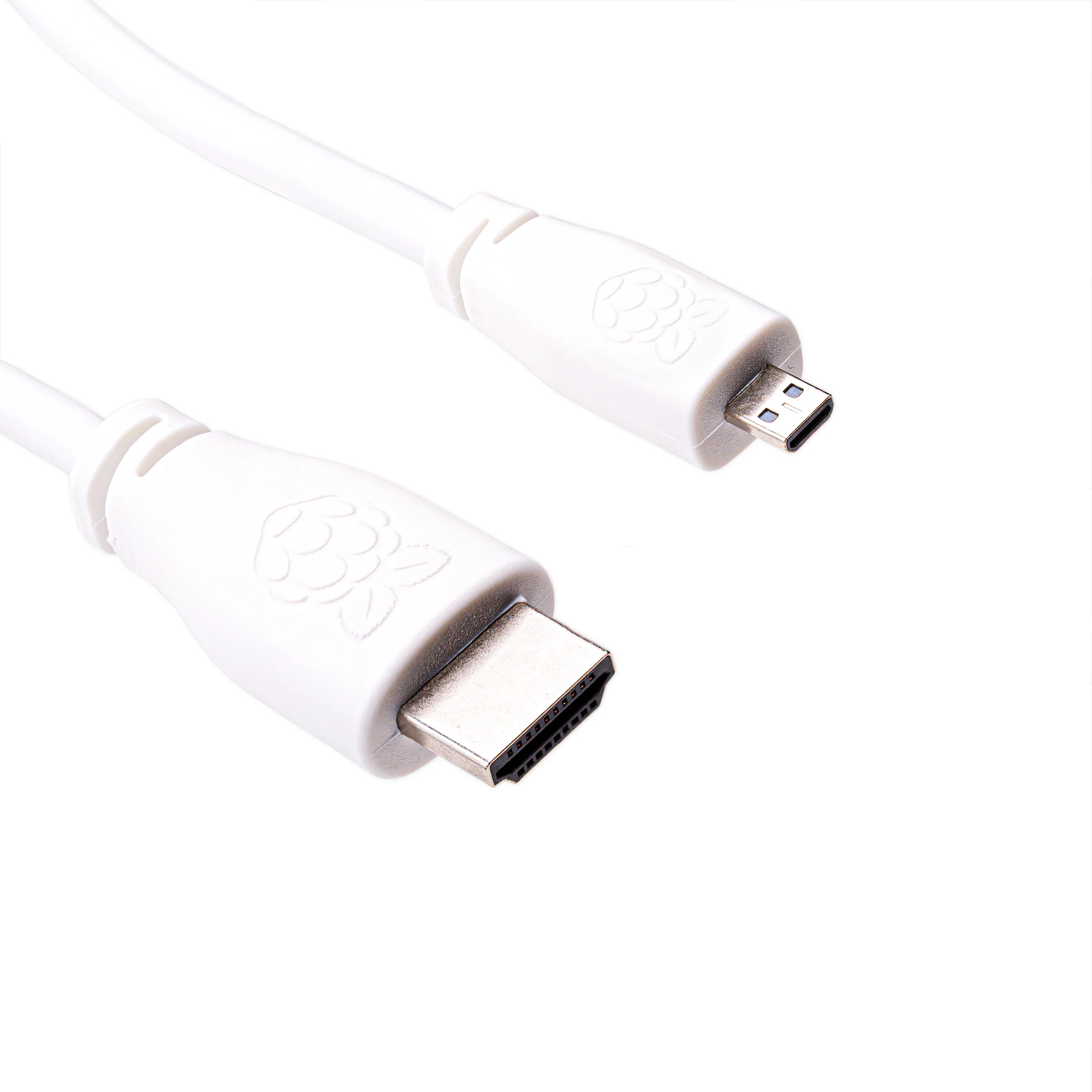
Micro-HDMI to HDMI cable
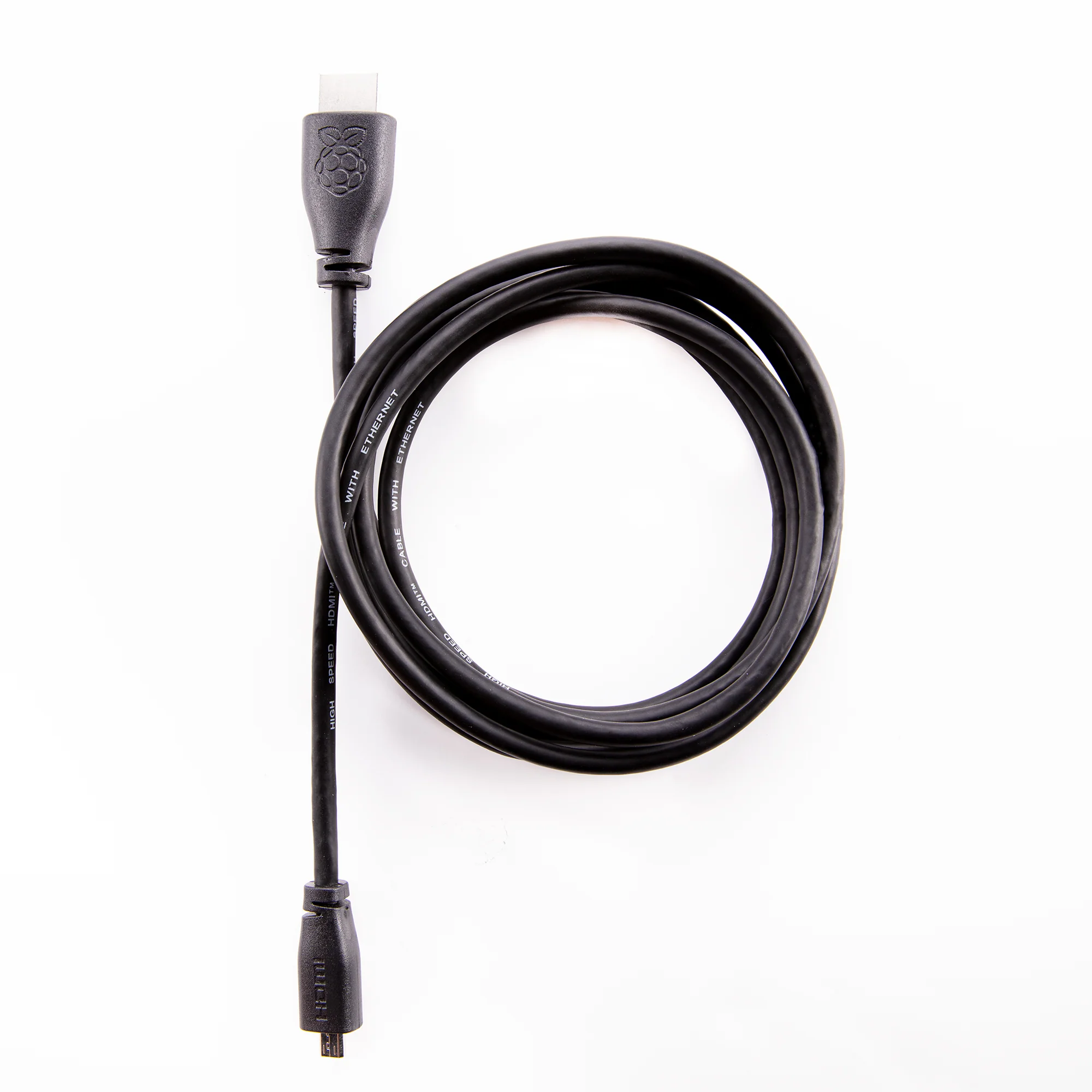
Connect your Raspberry Pi 4 or 5 up to a TV or monitor with this officially branded micro-HDMI cable.
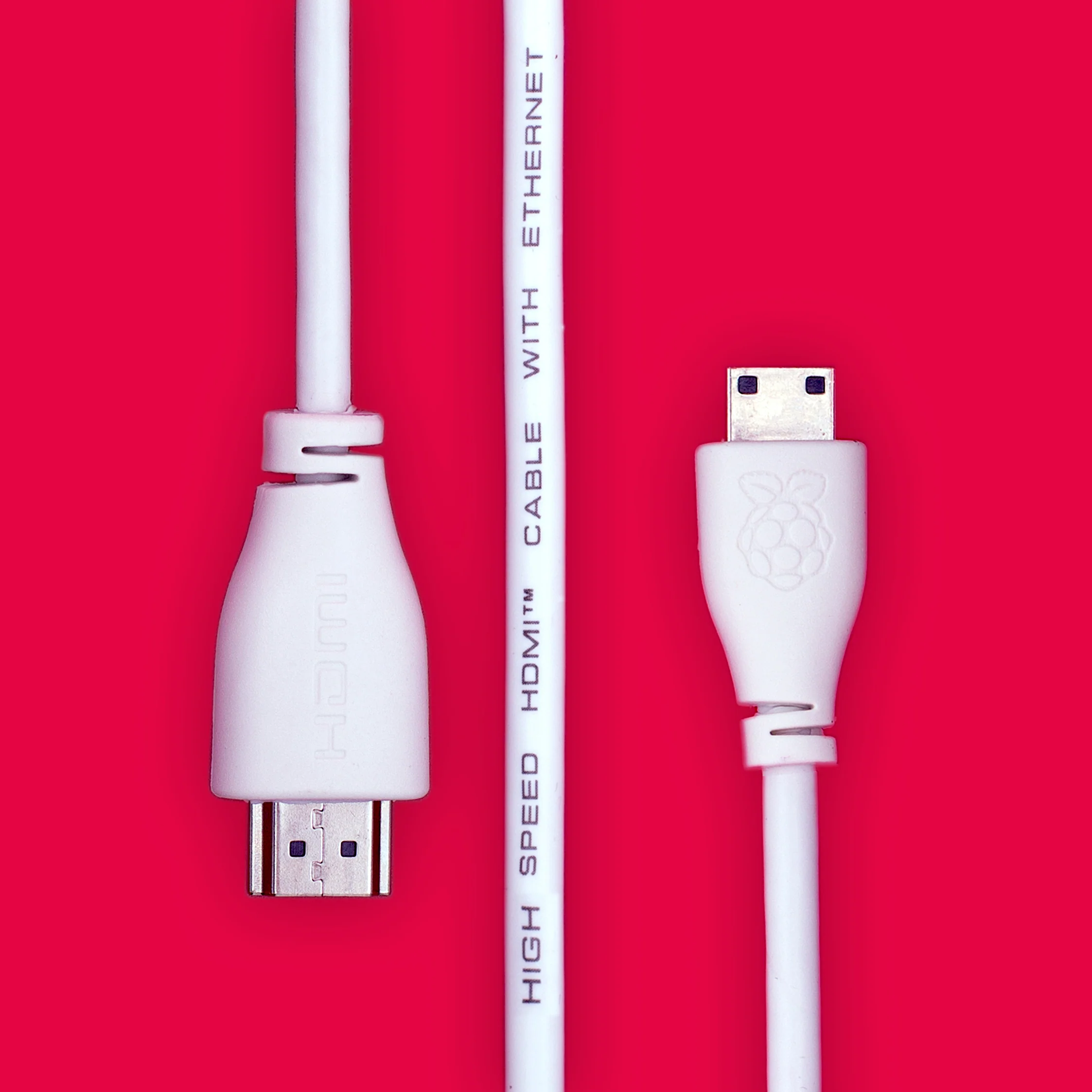
This cable can be used to connect the micro-HDMI connector on recent Raspberry Pi computers up to a standard HDMI screen. It's sturdy, strong, and even has a cute little Raspberry Pi logo on the connectors!
Features
- Micro-HDMI (plug) to HDMI (plug)
- Compatible with Raspberry Pi 4 and Raspberry Pi 5
Alternatives
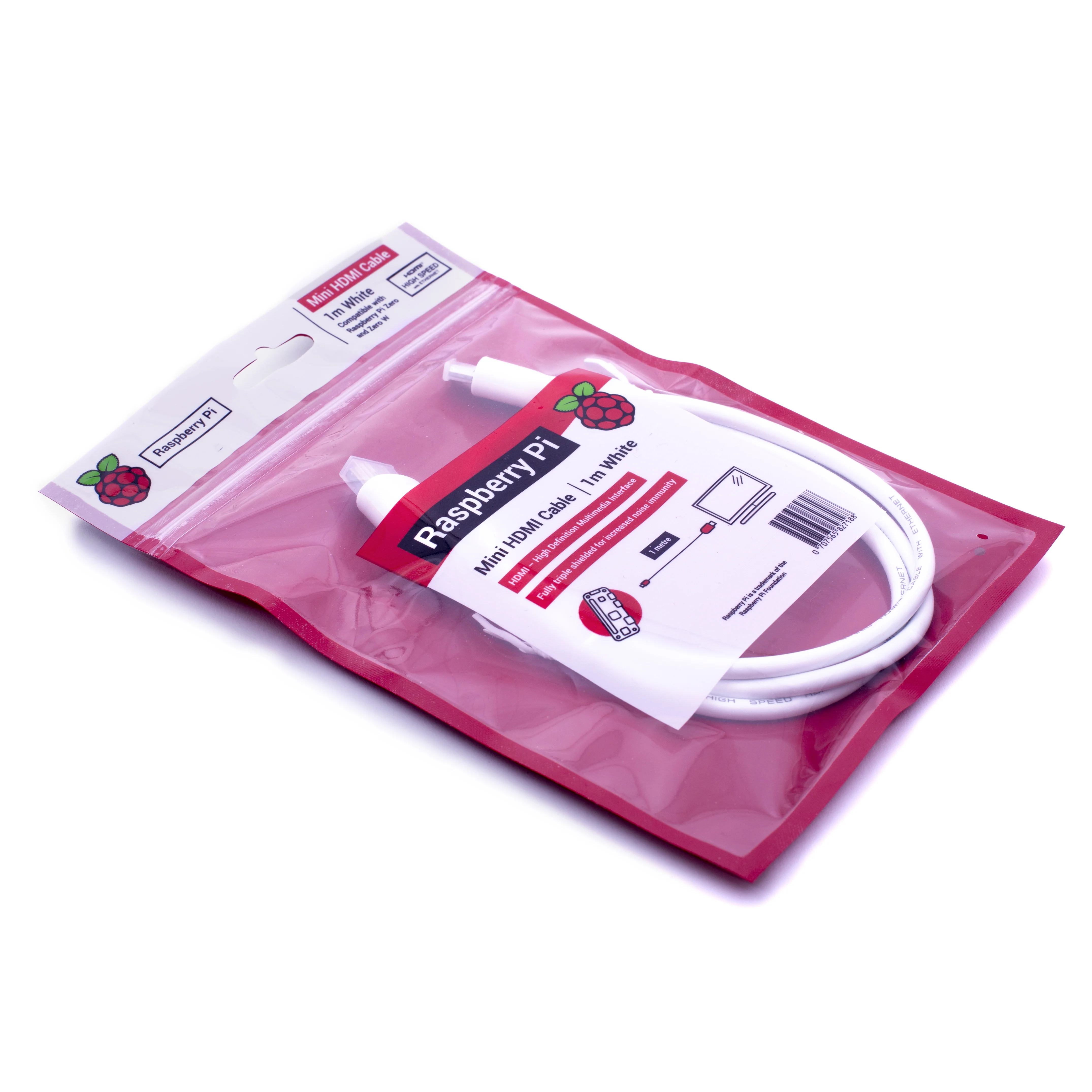
If you have a Pi Zero, Zero W or Zero 2 W you'll need a mini-HDMI cable instead.
If you have an older Pi (3 A+, 3 B+ or earlier) you can use a standard HDMI cable.
Original: $6.03
-65%$6.03
$2.11More Images
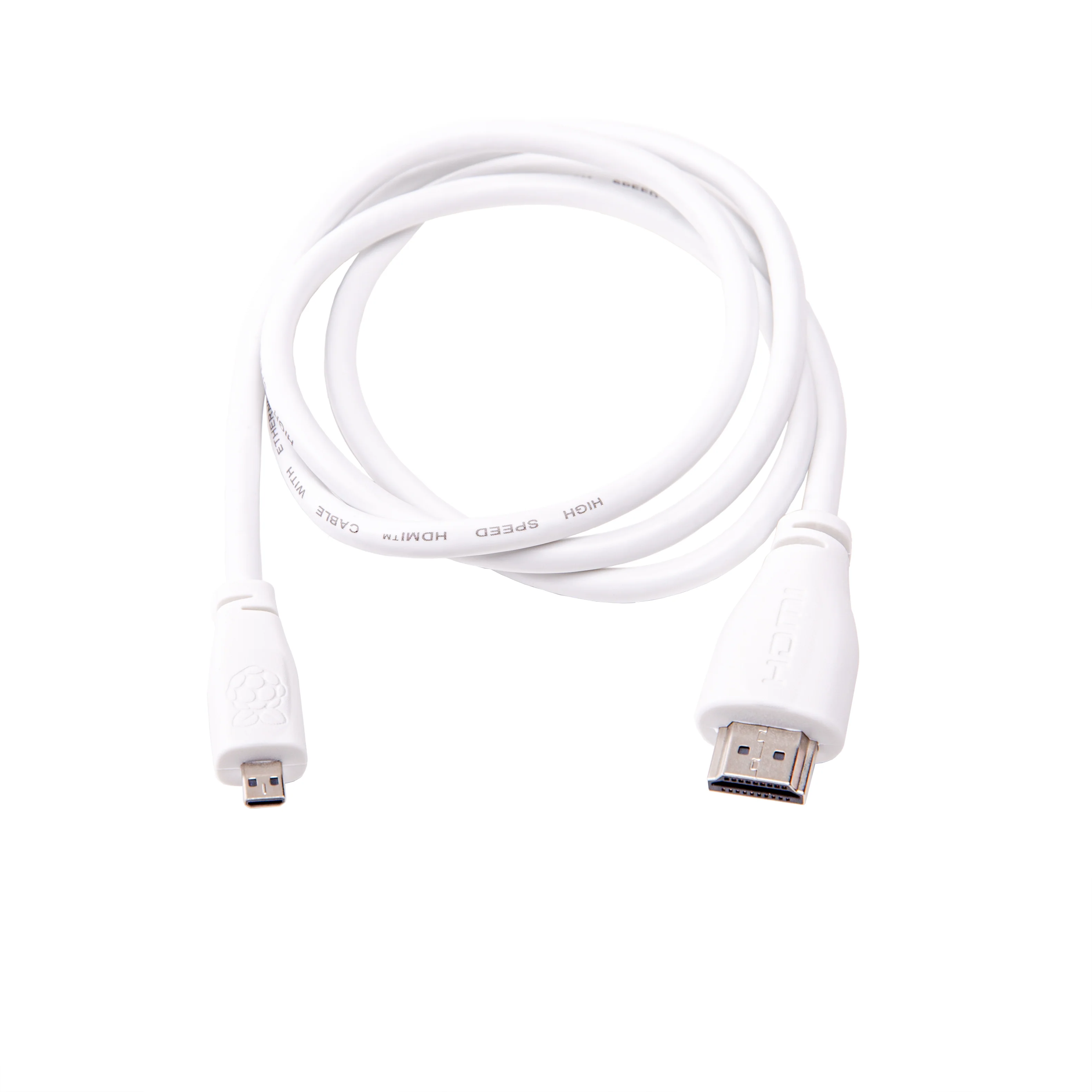
Micro-HDMI to HDMI cable
Connect your Raspberry Pi 4 or 5 up to a TV or monitor with this officially branded micro-HDMI cable.
This cable can be used to connect the micro-HDMI connector on recent Raspberry Pi computers up to a standard HDMI screen. It's sturdy, strong, and even has a cute little Raspberry Pi logo on the connectors!
Features
- Micro-HDMI (plug) to HDMI (plug)
- Compatible with Raspberry Pi 4 and Raspberry Pi 5
Alternatives
If you have a Pi Zero, Zero W or Zero 2 W you'll need a mini-HDMI cable instead.
If you have an older Pi (3 A+, 3 B+ or earlier) you can use a standard HDMI cable.
Product Information
Product Information
Shipping & Returns
Shipping & Returns
Description
Connect your Raspberry Pi 4 or 5 up to a TV or monitor with this officially branded micro-HDMI cable.
This cable can be used to connect the micro-HDMI connector on recent Raspberry Pi computers up to a standard HDMI screen. It's sturdy, strong, and even has a cute little Raspberry Pi logo on the connectors!
Features
- Micro-HDMI (plug) to HDMI (plug)
- Compatible with Raspberry Pi 4 and Raspberry Pi 5
Alternatives
If you have a Pi Zero, Zero W or Zero 2 W you'll need a mini-HDMI cable instead.
If you have an older Pi (3 A+, 3 B+ or earlier) you can use a standard HDMI cable.